9 Best WiFi and Network Setup Services in Singapore (2026)
Nine WiFi, mesh and network setup services in Singapore for HDB flats, condos and offices, from dead-zone fixes to access points and LAN cabling.
- Edited by
- Amir Wahab
- Published
- Reading time
- 6 min read
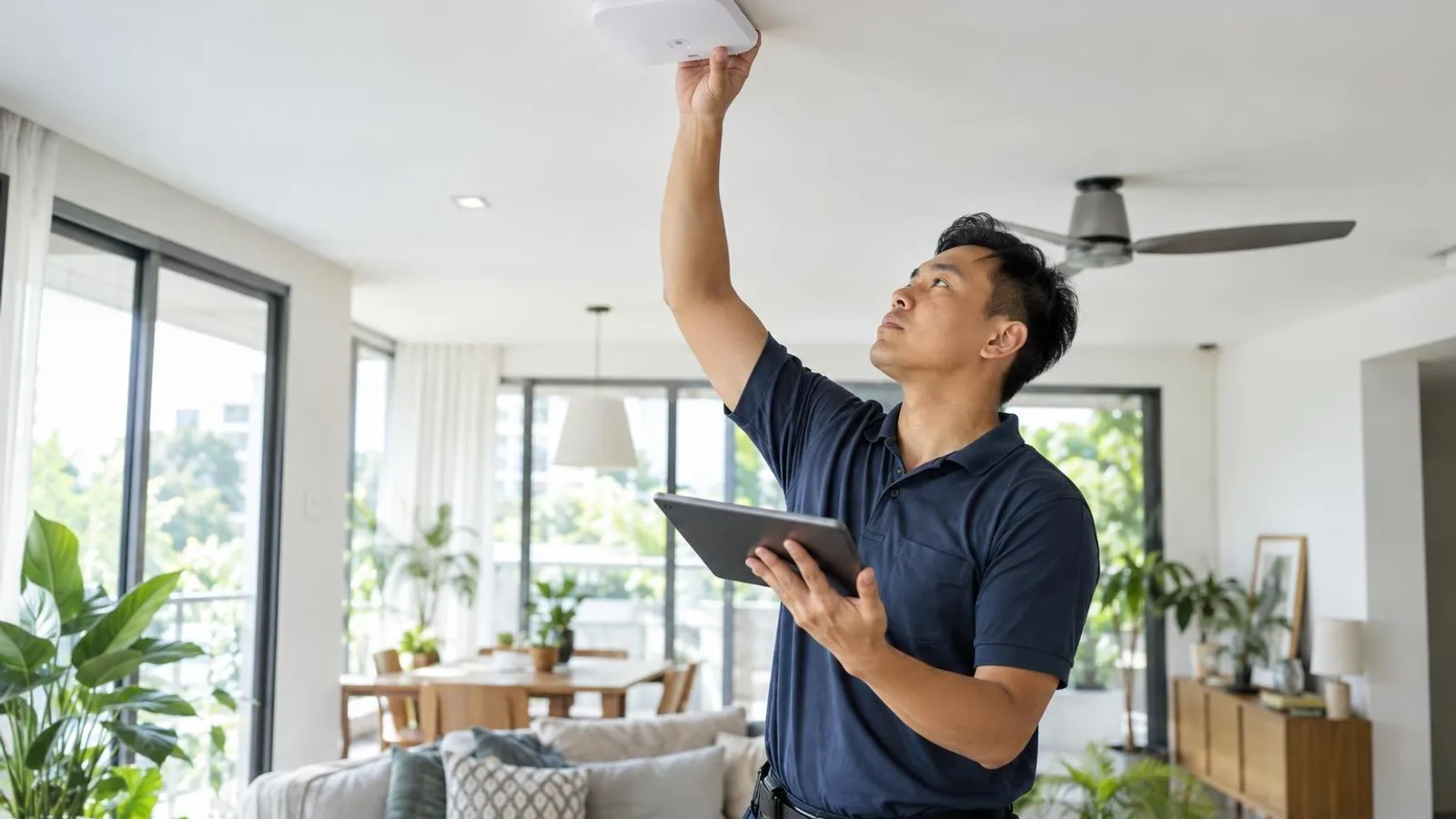 AI image by LocalRank
Slow WiFi in Singapore homes is usually a layout problem rather than a broadband one: reinforced concrete walls, bomb shelters and long corridors swallow signal that a single telco router was never going to carry. Offices face a different version, with dozens of devices competing for a few access points. The nine providers below were each checked against their own websites and cover home mesh and access point installation, UniFi systems, LAN cabling, office wireless design and site surveys. Read what each one says it actually does, decide whether you need a home fix or a business network, and ask for a site survey before approving equipment. This is a shortlist, not a strict ranking.
1. Tekkie Help
Tekkie Help is a home and small-business tech support outfit whose dedicated WiFi page covers troubleshooting, dead-spot removal, mesh installation, router configuration and home-office WiFi. Its site also lists LAN cabling, converting telephone sockets into data points, network design advice for renovation projects and wireless security checks. It says technicians bring diagnostic tools and networking hardware and can often supply extra equipment on the spot, and it advertises a free onsite WiFi assessment. The business lists service hours on weekdays and Saturdays, with its address at UB.One in Ubi. It suits households that want a generalist who can look at the whole connection, from the ISP socket to the last bedroom, rather than just selling a new router.
Ubi (home visits across Singapore)
Visit website ↗EmailView on map ↗
2. Roen
Roen is a smart home installer whose home network page describes whole-home WiFi for HDB flats, condos and landed houses. Its site says one team handles the on-site survey, design, mounting and cable concealment, configuration and a final speed test in each room, using mesh systems or wired access points depending on layout. Brands it says it installs include TP-Link Omada, UniFi, ASUS, Netgear, Linksys and Aruba. Because the same company also does lighting, CCTV, structured cabling and electrical work, it makes sense for renovation projects where the network is one item on a longer list. Its page says it surveys dead zones before quoting, and it notes that WiFi-controlled aircon makes coverage matter more.
Home visits across Singapore
Visit website ↗WhatsApp ↗EmailView on map ↗
3. HomeNet
HomeNet, operated by Home Network Solutions Singapore Pte Ltd, focuses on residential connectivity. Its site lists WiFi network planning and design for the pre-renovation stage, WiFi optimisation for existing setups, multi-room home telephone systems, video intercoms and CCTV installation, alongside smart home add-ons. It also describes itself as an authorised preferred partner for MyRepublic fibre broadband registration, which can suit anyone switching provider while sorting out coverage. The page states its copyright runs from 2016 to 2026, and a customer testimonial there praises its handling of networking faults, though that is the company's own selection. It is a reasonable first call for homeowners who want cabling and access points planned before the carpenters arrive.
4. HAP
HAP is a smart home and AV integrator that also runs a dedicated residential UniFi page. That page describes planning access point placement, installing UniFi gateways and PoE switches, organising structured cabling and configuring the network for condos, apartments, penthouses and landed homes. It says it can also clean up or expand an existing UniFi network, and it publishes a project write-up from a Varsity Park installation. The company stresses placement by how rooms are used, such as streaming areas and upper floors, rather than mounting units wherever is convenient. This is a specialist route for homeowners who want a managed multi-access-point system instead of consumer mesh nodes, and it overlaps with HAP's broader smart home work.
5. Hitech Computer & IT Solutions
Hitech is a laptop and PC repair business that also publishes a network and WiFi setup page. It lists router configuration, mesh WiFi installation, home network cabling, office switch and access point setups, WiFi speed optimisation and network security configuration. Its site says each job starts with a free site survey and ends with room-by-room speed and coverage testing, and that it runs Cat6 or Cat6a cabling with termination and testing. It says its repair team is based in Singapore and works from branches in Kembangan, Hougang, Bukit Timah and Upper Serangoon, where it invites visitors to bring devices for a free diagnosis. It suits people who already deal with a neighbourhood repair shop and want one contact for devices and the network.
Changi Road & other branches
Visit website ↗WhatsApp ↗EmailView on map ↗
6. Yi Leng Services
Yi Leng Services is a multi-trade contractor covering electrical work, CCTV, door access, projector and TV bracket installation, and data and LAN cabling, with a separate page on WiFi setup. That page describes a process of site survey, network design, equipment selection and installation, followed by testing, a walkthrough of the router app and post-installation support. It says it works with routers from brands including ASUS, TP-Link, Cisco, Huawei and Nokia, and names Singapore broadband providers it coordinates with. It also mentions Cat6 or Cat7 cabling, smart home devices and camera streaming support. The site lists an address in the Defu Lane industrial area, and its blog shows posts dated 2025. It fits homeowners who want electrical and cabling handled by the same crew.
Defu Lane industrial area
Visit website ↗WhatsApp ↗View on map ↗
7. Groovit
Groovit is an IT hardware supplier for small businesses, and its blog includes an office WiFi access point guide dated 2026. In it, the company says it supplies networking hardware and can advise Singapore SMEs, clinics, schools and offices on setup, discussing indoor and outdoor access points, WiFi 5 versus WiFi 6, managed versus unmanaged units, and brands such as HPE Aruba and ASUS. Its site also lists CCTV installation and AV equipment, and its contact details give an office on Macpherson Road. Treat it as a buy-and-advise option for offices that already have someone to plug things in, since the page does not describe a full survey-and-install service. It suits shophouses, clinics and small multi-room offices upgrading beyond a consumer router.
Macpherson
Visit website ↗EmailView on map ↗
8. Entrust Network Services
Entrust Network Services is a managed IT provider whose enterprise wireless page describes how it plans, deploys and maintains office WiFi. The page sets out a sequence of defining requirements, assessing the broadband line, switches, routers, firewalls, cabling and power, designing access point placement from the office blueprint, selecting equipment, configuring and then testing against benchmarks. Wireless platforms it lists include Ruckus Unleashed, UniFi, Cisco Catalyst, Ruijie and Extreme Networks. It states it has supported SMEs since 2006 and lists a Ubi office. It is a better match for growing companies that want WiFi monitored and supported as part of broader IT management than for a one-off home fix, and it also appears in LocalRank's IT support guide.
9. Pomegranets
Pomegranets is an enterprise networking integrator whose site says it has operated in Singapore since 2019 and carries bizSAFE Level 3. Its wireless site survey page describes Ekahau-based predictive and on-site surveys, including AP on a Stick validation that places real access points at deployment height, with heatmaps, channel-plan recommendations and a report written for non-technical stakeholders. Separate pages cover network integration using vendors such as Cisco, Meraki, Aruba and Ruckus, managed network services on a monthly fee, and temporary event WiFi. It suits offices planning a fit-out, or chasing a persistent WiFi complaint where guesswork about access point count and placement has already failed, rather than households with a single weak bedroom.
How to choose
- Start by describing the symptom precisely: one weak bedroom, a whole floor, or drops during video calls. Each points to a different fix, from moving a router to adding wired access points. A provider who asks where and when it fails is usually diagnosing, not just selling a kit.
- Ask for an on-site survey before any equipment is chosen. Signal behaves differently in HDB flats, condos and landed houses, and a plan made from a floor plan alone often misses lifts, shelters and neighbouring interference. Check whether the survey is included or charged, and what you receive afterwards.
- Decide between mesh and wired backhaul. Mesh nodes are simpler where cabling is awkward, while wired access points generally hold up better in larger homes and busy offices. Ask the provider why they recommend one, and whether concealed cabling fits your renovation timeline or ceiling access.
- Clarify brand and management. Systems such as UniFi, Omada, Aruba or Ruckus need a controller or cloud account, so confirm who holds the admin login, who handles firmware updates, and what happens if you later change provider. Avoid arrangements that leave you locked out of your own network.
- Confirm scope and aftercare in writing: equipment supplied, cabling included, testing in each room, and what support follows installation. Providers publish different warranty and support terms, so ask for them directly rather than relying on website summaries, and keep model numbers and passwords in your records.
. No changes recorded since.
Founder and Editor
Amir Wahab is the founder and editor of LocalRank, an independent Singapore rankings and local guides publication.
Read next

6 Best Zoho Partners in Singapore (2026)
Six Zoho partners serving Singapore SMEs for CRM, Books and Creator set-up, customisation, migration and support, with what each lists and how to choose.
By Amir Wahab5 min read

6 Best Salesforce Consultants in Singapore (2026)
Compare 6 Salesforce consultants and implementation partners in Singapore, from SME specialists to enterprise integrators, with what each says it offers.
By Amir Wahab5 min read

7 Best RFID Solution Providers in Singapore (2026)
Compare 7 RFID solution providers in Singapore for inventory tagging, asset tracking and access, with what each says it supplies and how to choose one.
By Amir Wahab6 min read

6 Best Odoo Implementation Partners in Singapore (2026)
Compare six Odoo implementation partners in Singapore for SMEs, with notes on modules, InvoiceNow support, grants and how to choose the right ERP team.
By Amir Wahab5 min read