9 Best PC and Laptop Upgrade Services in Singapore (2026)
Looking for a PC or laptop upgrade in Singapore? Compare 9 shops that fit SSDs, RAM, graphics cards and coolers, with data migration, before you replace.
- Edited by
- Amir Wahab
- Published
- Reading time
- 6 min read
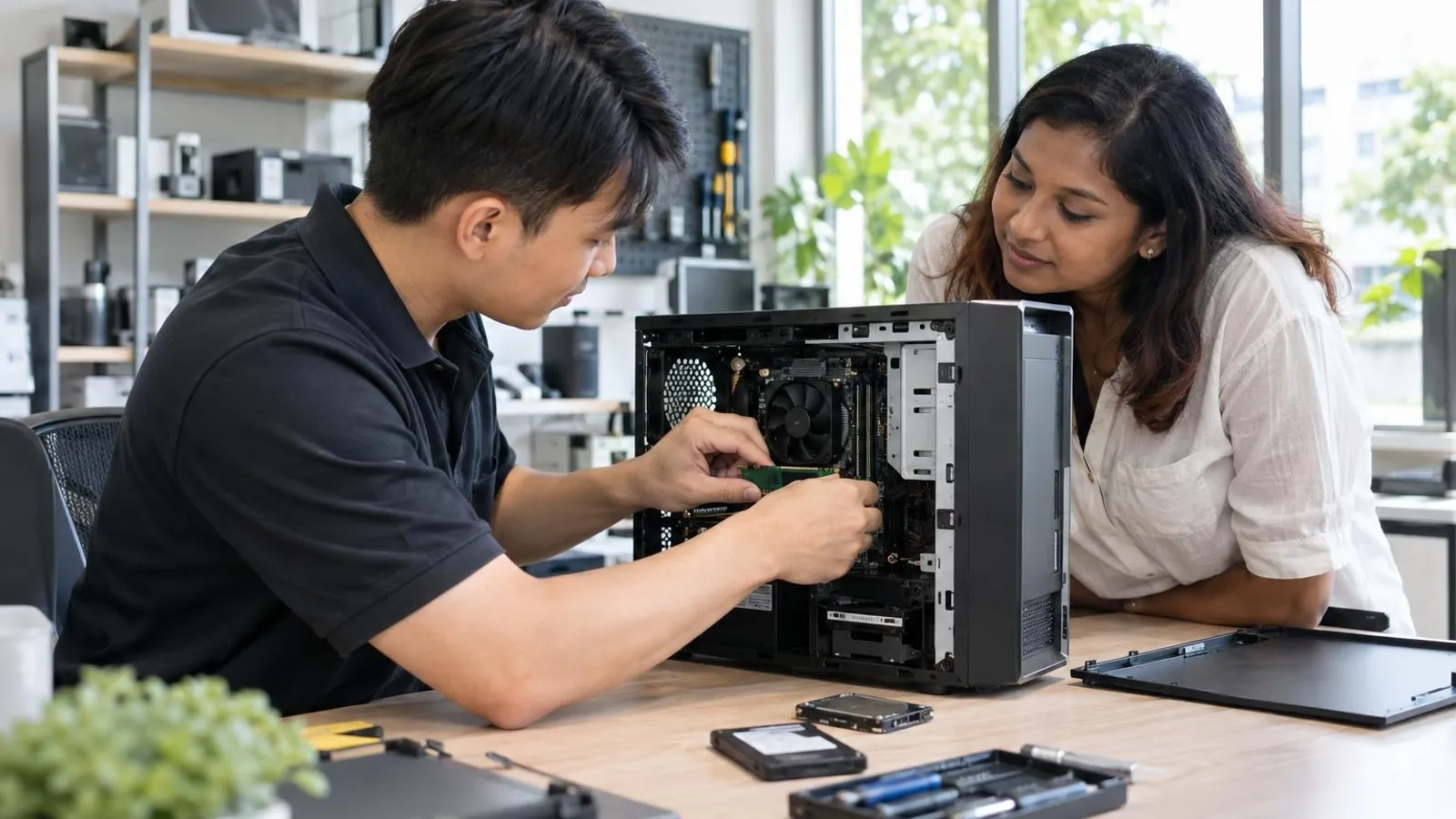 AI image by LocalRank
A slow computer does not always need replacing. A faster SSD, extra memory, a new cooler or a graphics card can often bring an ageing desktop or laptop back to usable speed for less than a new machine. This guide covers nine Singapore businesses whose own websites describe upgrade work: fitting parts, moving your Windows and files across, and checking that everything runs afterwards. It is a different question from fixing a broken laptop, which our laptop repair guide covers. Everything below is attributed to what each business says, so confirm compatibility, quotes, warranty terms and opening hours directly before you hand over a device.
1. iDevice Repair Centre
iDevice Repair Centre says common laptop and computer jobs, including RAM and SSD work, batteries, keyboards and thermal service, are often finished the same day, and it describes working at component level rather than swapping whole assemblies. It lists dedicated pages for laptops, MacBooks, iMacs and desktops, quotes in writing before work and offers diagnosis before you commit. The workshop is on Harper Road near Tai Seng MRT and takes walk-ins on weekdays. Its footer says it is not affiliated with or authorised by Apple or the laptop makers it works on, and it describes a warranty on parts and labour without a length on the pages read, so ask for the parts used and the terms.
Tai Seng (Harper Road)
Visit website ↗WhatsApp ↗View on map ↗
2. RepairX
RepairX highlights SSD and RAM upgrades on its homepage for customers who want more space or speed, alongside battery, LCD screen and motherboard work for MacBooks, iMacs and Windows laptops and desktops. Its contact page names a Central outlet at International Plaza and a North outlet at Woods Square in Woodlands, open daily except public holidays, with a WhatsApp number for enquiries. The homepage advertises free islandwide and on-site pickup and a warranty range of 30 to 180 days, so ask which period applies to your repair. Its footer carries a 2024 date, so message first to confirm it is trading before you travel.
Tanjong Pagar (International Plaza) & Woodlands
Visit website ↗WhatsApp ↗EmailView on map ↗
3. BreakFixNow
BreakFixNow runs a walk-in outlet at the Little Red Dot Building on Queen Street. Its desktop upgrade page lists RAM, SSD, CPU, power supply, CPU cooler and case fan upgrades for gaming rigs, home desktops and office workstations, and says upgrades are for working systems while broken ones go to its repair page. The page describes a free assessment, a written quote covering labour and parts before work starts, stress testing afterwards and a ninety-day warranty. It says SSD upgrades include moving the operating system and data across, and lists same-socket CPU swaps on recent Intel and AMD platforms. A separate site, Affordable Laptop Services, shows the same Queen Street address and contact number for laptop work, so ask which team handles your device.
Queen Street (Little Red Dot Building)
Visit website ↗WhatsApp ↗EmailView on map ↗
4. DreamPC
DreamPC is a desktop-focused service that works by pick-up and return across Singapore rather than from a walk-in counter. Its upgrade page covers SSD and RAM installation and says it checks connector type, spare slots, supported capacity and soldered-memory limits before quoting. Migrating Windows and files is quoted separately, only where the old drive is readable, and the page warns that cloning is not specialist recovery from a dead drive. It also describes a paid diagnosis for unexplained slowdowns, so you learn whether an upgrade would help before buying parts. Heat-related work such as cleaning, repasting and GPU servicing sits on other pages. Its site says new parts carry Singapore local warranty, with terms confirmed in the quote.
Island-wide (pick-up and return)
Visit website ↗WhatsApp ↗View on map ↗
5. Volta PC Upgrade & Repair
Volta PC Upgrade & Repair, formerly known as Budget PC Upgrade & Repair, works from the Trivex Building on Burn Road, a short walk from Tai Seng MRT. Its computer upgrade page lists RAM and SSD upgrades for laptops and desktops, CPU and graphics card upgrades for desktops, and motherboard or full-system upgrades. The business says a free diagnostic check tells you whether a machine can be upgraded, and that you pay only if you proceed. It publishes a from-price table that it says includes installation, with parts depending on compatibility and availability. The page also mentions front-of-shop parking, handy for carrying in a bulky tower. Its homepage lists weekday and Saturday hours and closures on Wednesdays, Sundays and public holidays.
Tai Seng (Trivex Building, Burn Road)
Visit website ↗WhatsApp ↗EmailView on map ↗
6. Hitech Computer & IT Solutions
Hitech Computer & IT Solutions has branches in Kembangan, Hougang, Bukit Timah and Upper Serangoon, and its upgrade page covers laptops, MacBooks and PCs. It lists SSD installation, RAM upgrades, hard-drive-to-SSD migration, storage expansion, graphics card upgrades and CPU or motherboard changes, with a guide to which upgrade suits which problem. The page says a compatibility check confirms form factor and capacity limits first, and that cloning moves files and settings onto the new drive. It describes a free consultation, a fixed quote before work begins, testing afterwards and free island-wide pick-up and delivery. It states that simple upgrades are often finished the same day. The upgrade page names three branches while its homepage lists four, so confirm yours.
Changi Road & other branches
Visit website ↗WhatsApp ↗EmailView on map ↗
7. Esmond Service Centre
Esmond Service Centre has centres at Alexandra Retail Centre and Midview City, and its laptop SSD upgrade page, dated July 2026, is unusually detailed. It lists brands where upgrades are generally possible, notes that some Surface models and recent MacBooks have soldered storage that cannot be upgraded, and offers optional data cloning. The page says an upgrade includes a free compatibility check, SATA or NVMe installation, operating system and driver installation, an internal clean with thermal check, a function test and a one-year warranty on parts and labour. It candidly warns that a very old laptop may not justify further spending. Its enquiry form has an upgrade option for RAM and SSD, and the shop accepts walk-ins or WhatsApp messages.
Alexandra & Sin Ming (Midview City)
Visit website ↗WhatsApp ↗View on map ↗
8. Chan Repair Specialist
Chan Repair Specialist operates from The Poiz Centre near Potong Pasir MRT and publishes a page dedicated to PC repair and parts upgrades. It lists CPU, RAM, SSD, hard-drive and graphics card upgrades, alongside cooling-system work, cleaning and thermal paste service, cable management and office or gaming PC setups. The page also mentions fixes for low frame rates, overheating and unexpected restarts, which are common reasons people consider an upgrade in the first place. The shop says it offers a free diagnostic followed by a fixed net price, and a free hardware clean with every repair. It describes data-protection steps for testing. Its footer shows a 2026 date, but the opening-hours text says both daily and closed on Sundays, so confirm before travelling.
Potong Pasir (The Poiz Centre)
Visit website ↗WhatsApp ↗View on map ↗
9. Genoco PC
Genoco PC is a custom PC builder and component seller that also offers upgrade work, which suits people who want to buy parts and have them fitted in one place. Its homepage says upgrade services run from purchasing components to installing them, on either an on-site or carry-in basis, and that maintenance such as cleaning and thermal paste changes is available. Its shop lists current graphics cards, motherboards, M.2 NVMe drives, power supplies and coolers, with stock status shown. The site says the business began in 2022 and lists a Jurong West office and a Commonwealth branch. It describes warranty returns handled for customers. Message first with your current specifications, since upgrade pricing is not published on the homepage.
Jurong West & Commonwealth
Visit website ↗View on map ↗
How to choose
- Identify the bottleneck before buying parts. A machine still using a hard drive usually gains most from an SSD, while constant memory pressure points to RAM. Several shops here offer a free or low-cost assessment, so ask them to confirm the cause first rather than selling you the upgrade you assumed.
- Check whether your device can be upgraded at all. Many thin laptops and recent MacBooks have soldered memory or storage, and some prebuilt desktops use proprietary parts. Send the exact model number and photos to two or three shops, and treat a clear no as a useful answer.
- Ask how your Windows and files will move across. Cloning keeps your setup, while a fresh install is cleaner but means reinstalling programmes. Confirm whether migration is included or charged separately, and back up important files yourself first, since cloning is not the same as recovering from a failing drive.
- Get the quote split into labour and parts. Shops here describe fees differently, some quoting installation only and others from-prices that include fitting. A written breakdown lets you compare fairly, spot overpriced components, and decide whether supplying your own drive or memory is allowed.
- Compare the upgrade bill with replacement. If the quote approaches the cost of a modest new machine, or the processor and motherboard are very old, a new device may be wiser. Ask the shop for an honest view, and ask what warranty covers the fitted parts and the labour.
. No changes recorded since.
Founder and Editor
Amir Wahab is the founder and editor of LocalRank, an independent Singapore rankings and local guides publication.
Read next

6 Best Zoho Partners in Singapore (2026)
Six Zoho partners serving Singapore SMEs for CRM, Books and Creator set-up, customisation, migration and support, with what each lists and how to choose.
By Amir Wahab5 min read

6 Best Salesforce Consultants in Singapore (2026)
Compare 6 Salesforce consultants and implementation partners in Singapore, from SME specialists to enterprise integrators, with what each says it offers.
By Amir Wahab5 min read

7 Best RFID Solution Providers in Singapore (2026)
Compare 7 RFID solution providers in Singapore for inventory tagging, asset tracking and access, with what each says it supplies and how to choose one.
By Amir Wahab6 min read

6 Best Odoo Implementation Partners in Singapore (2026)
Compare six Odoo implementation partners in Singapore for SMEs, with notes on modules, InvoiceNow support, grants and how to choose the right ERP team.
By Amir Wahab5 min read