7 Best Managed Print Services in Singapore (2026)
Seven managed print service providers in Singapore for offices wanting printer fleet monitoring, toner supply and maintenance handled in one arrangement.
- Edited by
- Amir Wahab
- Published
- Reading time
- 5 min read
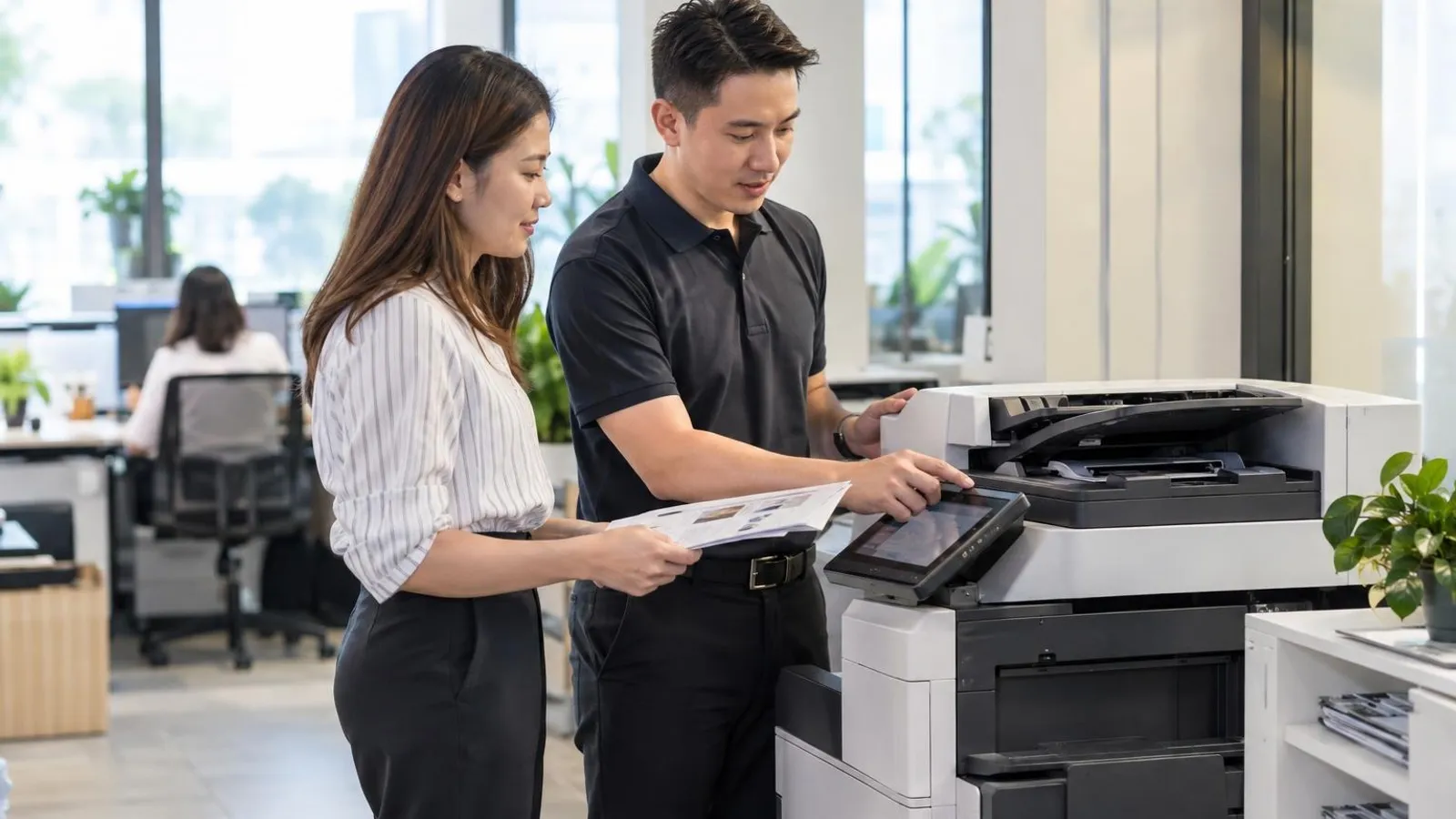 AI image by LocalRank
A managed print service puts the printers, scanners and copiers in your office under one provider that watches the fleet, replaces toner and parts, and fixes faults for an agreed fee. That differs from renting a copier, which our copier rental guide covers, and from buying toner alone. This guide lists seven Singapore providers whose own websites describe a managed print or print management offering for business customers. We describe only what each site says and leave out prices, because quotes depend on fleet size, volumes and contract length. Use the list to shortlist two or three providers, then ask each for a written scope covering devices, supplies, service response and reporting.
1. Ricoh Singapore
Ricoh's Singapore website has a dedicated managed print services page aimed at organisations that want their whole print setup looked after. It describes the service as covering hardware assessment, automated toner and supply replenishment, remote monitoring with predictive maintenance, and print security. The page sets out a sequence that starts with an audit of existing devices, usage and workflow gaps, moves to deployment and optimisation, and then ongoing management and support. It also mentions cost visibility and sustainability initiatives as part of the offer. The page invites readers to talk to a Ricoh specialist through a get-in-touch route rather than printing a general email or phone number. Its assessment-first sequence is a useful benchmark when comparing proposals.
Island-wide (office-based service)
Visit website ↗EmailView on map ↗
2. Konica Minolta Singapore
Konica Minolta's Singapore site lists managed print services under its digital workplace solutions, with a page for its Optimised Print Services framework. That page describes three stages: consult, implement and manage. In the consult stage the company says it identifies existing equipment, monitors usage and volumes, interviews users and benchmarks total cost of ownership. The manage stage is described as continuous monitoring of networked and locally connected devices, regular reports and review meetings, with consumables and parts delivered automatically and proactive remote and on-site service. The page also links the framework to its security offering, including user authentication. It publishes an enquiry form and contact page instead of a general phone number or email address, so expect to start online.
Island-wide (office-based service)
Visit website ↗EmailView on map ↗
3. HP Singapore
HP's Singapore website carries a managed print services page that describes a multi-year arrangement bundling hardware, supplies, solutions and services. According to the page, HP service experts track device health, performance, configuration and security, and take preventative action as part of proactive fleet monitoring. It lists managed printers for remote workers, small workgroups and departments, and says some label devices can join the same contract. The page also describes print security services built on a zero-trust approach. It suggests the offer suits hybrid or distributed fleets and teams wanting less IT workload. Enquiries go through a contact button that leads to an HP services contact form, so no phone call is needed.
Island-wide (office-based service)
Visit website ↗View on map ↗
4. Brother Singapore
Brother's Singapore site publishes a page for its Managed Print Services that is written for smaller businesses wanting to rent A4 printers rather than buy them. The page says the arrangement offers brand-new printers with no deposit, that maintenance and support are included, and that businesses can choose a lease period from 24 to 60 months. It also mentions visibility over monthly printing costs and access to current printer models. The described process starts with a free consultation, then an assessment of your present setup and a recommendation, followed by sign-up and ongoing support. A form on the page asks about staff numbers, current printer brands and unit counts to frame the quote. This suits offices running A4 desktop machines rather than large copiers.
Island-wide (office-based service)
Visit website ↗EmailView on map ↗
5. FUJIFILM Business Innovation Singapore
FUJIFILM Business Innovation Singapore, the local business arm behind the Fujifilm office copier and multifunction range, publishes print management and cost control pages for business customers. The print management page describes a central dashboard that tracks printing, copying and scanning, breaks volumes and costs down by user, department or device, and applies print policies such as double-sided or restricted colour output. It also describes secure release, where jobs are held until a user authenticates at the device. The wider section says the aim is to cut wasted print spending. Its news section also reports an authorised service partner arrangement for managed print support in 2026. These pages route enquiries to a sales contact form.
Island-wide (office-based service)
Visit website ↗View on map ↗
6. Align Plus
Align Plus is an office technology company whose website lists managed print services next to copier rental, document management and IT support. Its managed print page says consultants will analyse your needs and design a solution, and that the analysis can include an environmental audit of the current printer fleet using its bizWORKPLACE tool, which it says reveals energy and consumables use. The page describes secure printing where users authenticate at the device, rules-based printing to reduce unwanted output, and insights to help optimise printing habits. It also says the setup is refined as business needs change. The contact page publishes a phone number, a general enquiries address and a Ubi Techpark location, so it is easy to approach directly.
7. DocuConnex
DocuConnex is a photocopier company whose website lists a dedicated Managed Print Solutions page alongside copier purchase, rental, leasing and repair. The page frames managed print as a way to assess your print environment and free staff to focus on core work. It describes a five-stage process: examine the present state, evaluate possible changes including a financial assessment and infrastructure audit, propose a solution, execute it either in one go or in stages, and review it afterwards through regular reassessment. The same site also mentions document management and cyber security solutions. Its contact page publishes sales and service hotline numbers and a sales email, and the company lists an Ang Mo Kio office.
Ang Mo Kio
Visit website ↗WhatsApp ↗View on map ↗
How to choose
- Start by asking each provider for a written scope that lists which devices are covered, which brands it will support, and what happens to machines you already own. Some providers manage only their own range, while others describe vendor-neutral fleets, and the difference changes how much hardware you may need to replace.
- Ask how the provider assesses your current print environment before it quotes. Several sites on this list describe an audit of devices, usage and workflow, and a clear baseline lets you compare proposals fairly. Be wary of a quote that arrives without anyone counting your machines or reviewing your print volumes.
- Check exactly how supplies and service are handled. Look for automatic toner replenishment, remote monitoring and the way faults are reported, then ask for the response approach in writing. A managed arrangement should reduce the time your staff spend ordering cartridges and chasing repairs, so confirm who does that work.
- Understand how usage is charged and reported. Ask whether the fee is fixed, based on pages printed, or a mix, what counts as an excess page, and what reports you will receive. Request an example monthly report so you can judge whether it gives visibility by device, user or department.
- Review security and contract terms before signing. Ask about secure print release, how stored data on returned devices is handled, the contract length, and the exit or upgrade conditions. Get these points in writing and confirm any accreditation claims directly with the issuing body rather than relying on website wording.
. No changes recorded since.
Founder and Editor
Amir Wahab is the founder and editor of LocalRank, an independent Singapore rankings and local guides publication.
Read next

6 Best Zoho Partners in Singapore (2026)
Six Zoho partners serving Singapore SMEs for CRM, Books and Creator set-up, customisation, migration and support, with what each lists and how to choose.
By Amir Wahab5 min read

6 Best Salesforce Consultants in Singapore (2026)
Compare 6 Salesforce consultants and implementation partners in Singapore, from SME specialists to enterprise integrators, with what each says it offers.
By Amir Wahab5 min read

7 Best RFID Solution Providers in Singapore (2026)
Compare 7 RFID solution providers in Singapore for inventory tagging, asset tracking and access, with what each says it supplies and how to choose one.
By Amir Wahab6 min read

6 Best Odoo Implementation Partners in Singapore (2026)
Compare six Odoo implementation partners in Singapore for SMEs, with notes on modules, InvoiceNow support, grants and how to choose the right ERP team.
By Amir Wahab5 min read