9 Best Desktop PC Repair Services in Singapore (2026)
Need desktop PC repair in Singapore? Compare 9 shops for gaming PC, iMac and office PC faults, from no-boot to overheating, with pick-up and home visits.
- Edited by
- Amir Wahab
- Published
- Reading time
- 6 min read
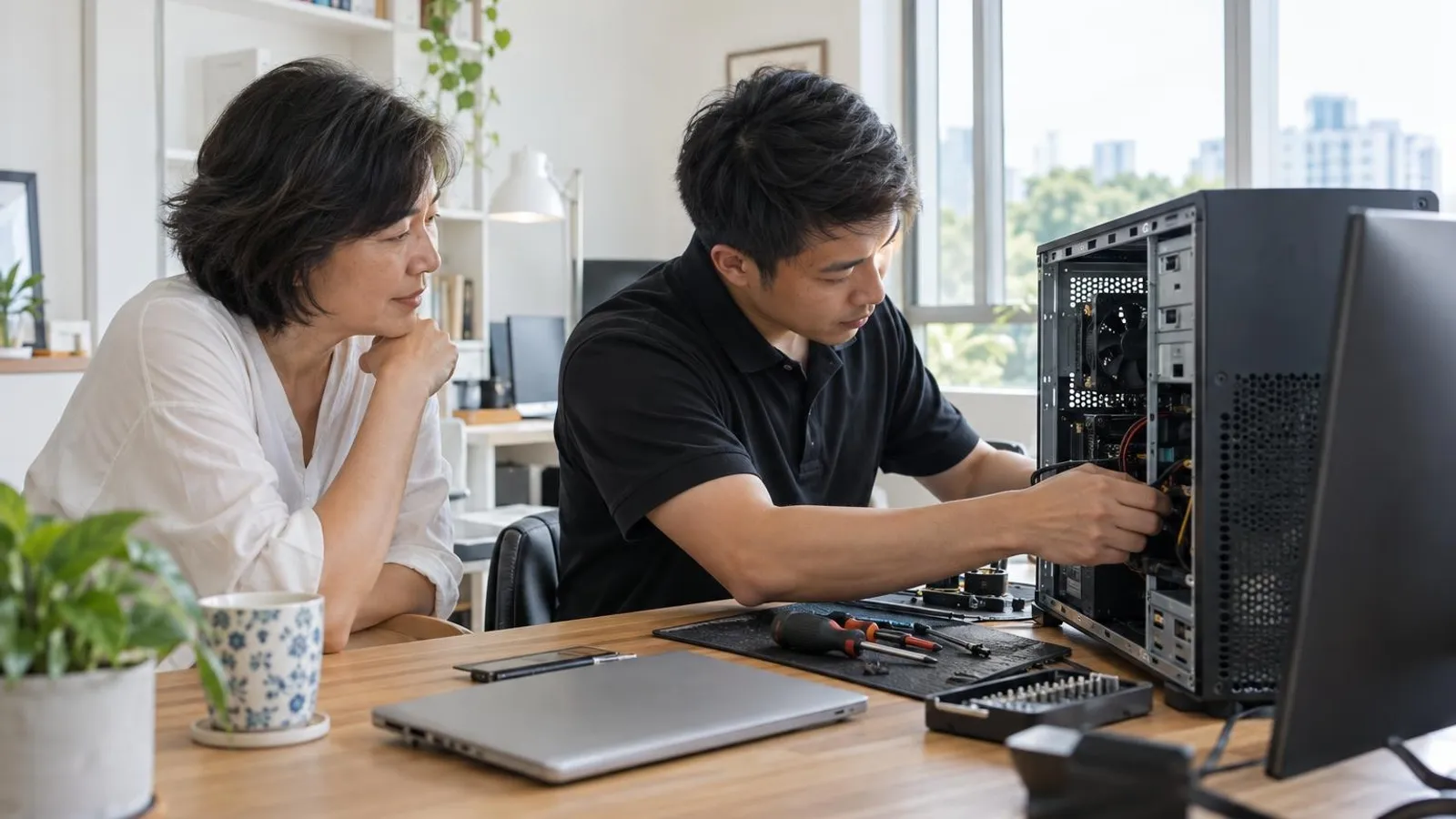 AI image by LocalRank
A tower that will not boot, a gaming rig that throttles after ten minutes or an iMac with a dead screen is a different job from a laptop fix. Desktops mean power supplies, graphics cards, coolers and bulky hardware you may prefer not to carry across town. This guide compares nine Singapore options that publish desktop, gaming PC or iMac repair on their own websites, including walk-in workshops, a pick-up service and an on-site callout option. Services, brands, warranties and hours are shown as each business describes them, so confirm current terms before you commit. Laptops are covered in our separate laptop repair guide, and new builds in our custom PC builders guide.
1. iDevice Repair Centre
iDevice Repair Centre has a computer repair page for desktops, towers and all-in-ones, next to its laptop, MacBook and iMac services. It describes itself as a component-level workshop that repairs the part that failed rather than replacing a whole assembly, shows the fault under a microscope and quotes in writing before work starts. It says microsoldering, ultrasonic cleaning and data recovery happen on-site and that diagnosis comes before any commitment. The workshop is on Harper Road near Tai Seng MRT and takes walk-ins on weekdays. Its footer says it is not affiliated with or authorised by Apple or the laptop makers it works on, and it describes a warranty on parts and labour without a length on the pages read, so ask for the parts used and the terms.
Tai Seng (Harper Road)
Visit website ↗WhatsApp ↗View on map ↗
2. RepairX
RepairX lists desktop repair, iMac repair and computer repair among its services, with parts for motherboards, LCD screens, SSD and RAM upgrades and water damage, plus a free online diagnosis form where a fault such as no power or auto shutdown can be selected. Its contact page names a Central outlet at International Plaza and a North outlet at Woods Square in Woodlands, open daily except public holidays, with a WhatsApp number for enquiries. The homepage advertises free islandwide and on-site pickup and a warranty range of 30 to 180 days, so ask which period applies to your repair. Its footer carries a 2024 date, so message first to confirm it is trading before you travel.
Tanjong Pagar (International Plaza) & Woodlands
Visit website ↗WhatsApp ↗EmailView on map ↗
3. BreakFixNow
BreakFixNow has a dedicated desktop page covering gaming rigs, home desktops and office workstations, and it is one of the few listings here that spells out component-level work. Its site lists faults such as no power, no display, failure to POST, random restarts, blue screens and overheating, with services including motherboard repair, graphics card fan and reflow work, power supply replacement, storage swaps and cooling upgrades. It says it stocks tested used parts for budget repairs and that diagnosis is free with a quote before work begins. The page names a 90-day warranty on repairs and lists Aftershock, Alienware, ASUS ROG, MSI, Dell OptiPlex and custom builds among supported brands. Walk-ins are welcomed at its Queen Street outlet.
Queen Street
Visit website ↗WhatsApp ↗EmailView on map ↗
4. DreamPC
DreamPC is the option to consider if you would rather not lug a tower anywhere. Its desktop repair page describes islandwide troubleshooting for gaming and desktop PCs, organised by symptom: no power or no display, crashes and boot loops, heat and sudden shutdowns. The site lists two routes, pick-up and return, or an on-site visit at your home or office, and publishes a separate diagnosis fee and a standard callout fee, with parts quoted after diagnosis and your approval requested before repair. It says pick-up and return are free when an approved repair proceeds, and that repairs carry a three-month warranty covering the work performed. It also offers cleaning, thermal servicing and upgrades, and builds custom PCs.
Island-wide (pick-up and on-site)
Visit website ↗WhatsApp ↗View on map ↗
5. Esmond Service Centre
Esmond Service Centre lists desktop, all-in-one PC and iMac repair among its services, which makes it a sensible stop if your household mixes Windows towers and Apple machines. Its iMac page covers screen, power supply, logic board, fan and thermal faults, SSD and RAM upgrades and data recovery, and describes the business as an Apple Independent Repair Provider. A separate desktop guide on the site walks through no-power, no-display and overheating problems. The shop says diagnosis is free, with no fix, no fee, and a ninety-day warranty on repairs, adding that Apple warranty cover may be cheaper if you still have it. It operates from Alexandra Retail Centre and Midview City, closed Sundays and public holidays.
Alexandra & Sin Ming (Midview City)
Visit website ↗WhatsApp ↗View on map ↗
6. Hitech Computer & IT Solutions
Hitech Computer & IT Solutions runs a standalone PC repair page aimed at desktops, which sets out common faults and the usual fix for each. It lists no power, blue screens, overheating, virus and malware clean-ups and graphics or display failures, with power supply testing, motherboard diagnostics, thermal paste reapplication and storage or memory upgrades. The company says diagnostics are free, offers free pick-up and delivery, and describes its work as covered by a service warranty of thirty to ninety days. Its homepage also lists iMac repair, and it publishes annual maintenance and on-site support plans for small businesses rather than one-off home callouts. The workshop is on Changi Road, and the site says it has operated since 2008.
Changi Road & other branches
Visit website ↗WhatsApp ↗EmailView on map ↗
7. Volta PC Upgrade & Repair
Volta PC Upgrade & Repair is a Tai Seng workshop whose site gives desktops their own headings alongside laptops. It lists CPU repair covering motherboard faults, graphics card and power supply replacement, SSD and RAM upgrades and cleaning, plus an iMac page for SSD and RAM upgrades, data extraction, operating-system reinstalls and hardware repair. The page includes an estimated price range for desktop motherboard and power supply work and says to contact the shop for a quote. It states a free diagnostic for out-of-warranty desktops and a no repair, no charge policy, and notes it is not an official Apple or Dell service centre. It describes a location about five minutes from Tai Seng MRT.
8. Ricky Tan Computer Repair
Ricky Tan Computer Repair is a one-owner Sim Lim Square unit, and its homepage lists a dedicated line for PC and desktop repair covering machines that will not start, run slowly, show blue screens or need upgrades. Apple Mac repair, including iMac and board-level work, is listed as a separate service. The site says the owner has traded from the same unit for over twenty years, that diagnosis is free with a quote before any work, and that repairs come with a thirty-day money-back promise and no charge if nothing can be fixed. It says you can watch the work and keep the old part. Walk-ins are accepted daily with no appointment, and WhatsApp quotes are available.
Sim Lim Square (Rochor)
Visit website ↗WhatsApp ↗View on map ↗
9. Mac Infinity
Mac Infinity is an Apple-focused repairer, so it suits iMac and Mac mini owners more than Windows gaming rig builders. Its iMac page lists repair pages for iMac models from 2013 through the 24-inch M4, as well as Mac mini M1, M2, M3 and M4, with RAM and SSD upgrades, data recovery and operating-system installs. The site says diagnosis is free, that motherboard-level work usually takes up to three days with an optional express service, and that it will not charge if it cannot fix a device. It lists a three-month warranty on iMac boards and spare parts. Its Millenia Walk shop is open daily, including public holidays, and the site states it is not affiliated with Apple.
Millenia Walk, Marina Centre
Visit website ↗EmailView on map ↗
How to choose
- Match the shop to the machine. Windows towers and gaming rigs suit workshops that list power supplies, graphics cards and motherboards by name, while iMacs and Mac minis need a provider that publishes Apple models. Check the repair page itself, not just the homepage, for the specific machine.
- Decide how you want it handled. Carrying a heavy tower to a counter is fine for a quick check, but a pick-up service or an on-site visit may suit a home office. Ask what any callout, diagnosis or delivery fee is, and whether it is waived if you proceed.
- Ask for the diagnosis and quote before work starts. Several providers here say diagnosis is free or approval is required first, but terms differ. Request the fault, the part to be replaced, and the price in writing or by message, and decline anything you do not understand.
- Compare warranty terms on both labour and parts. Shops here describe periods from one to three months and sometimes exclude unrelated faults or new damage. Ask whether used or second-hand parts carry the same cover as new ones, and keep your invoice for any later claim.
- Protect your data first. Before any drop-off or visit, back up what you can and note passwords or encryption keys. If a drive has failed, ask whether the shop attempts recovery itself or refers it elsewhere, and avoid anyone who suggests reformatting without first discussing your files.
. No changes recorded since.
Founder and Editor
Amir Wahab is the founder and editor of LocalRank, an independent Singapore rankings and local guides publication.
Read next

6 Best Zoho Partners in Singapore (2026)
Six Zoho partners serving Singapore SMEs for CRM, Books and Creator set-up, customisation, migration and support, with what each lists and how to choose.
By Amir Wahab5 min read

6 Best Salesforce Consultants in Singapore (2026)
Compare 6 Salesforce consultants and implementation partners in Singapore, from SME specialists to enterprise integrators, with what each says it offers.
By Amir Wahab5 min read

7 Best RFID Solution Providers in Singapore (2026)
Compare 7 RFID solution providers in Singapore for inventory tagging, asset tracking and access, with what each says it supplies and how to choose one.
By Amir Wahab6 min read

6 Best Odoo Implementation Partners in Singapore (2026)
Compare six Odoo implementation partners in Singapore for SMEs, with notes on modules, InvoiceNow support, grants and how to choose the right ERP team.
By Amir Wahab5 min read