6 Best SSD and Hard Drive Shops in Singapore (2026)
Looking for the best SSD and hard drive shops in Singapore? Compare 6 retailers for internal SSDs, external drives, memory cards and USB drives, with tips.
- Edited by
- Amir Wahab
- Published
- Reading time
- 5 min read
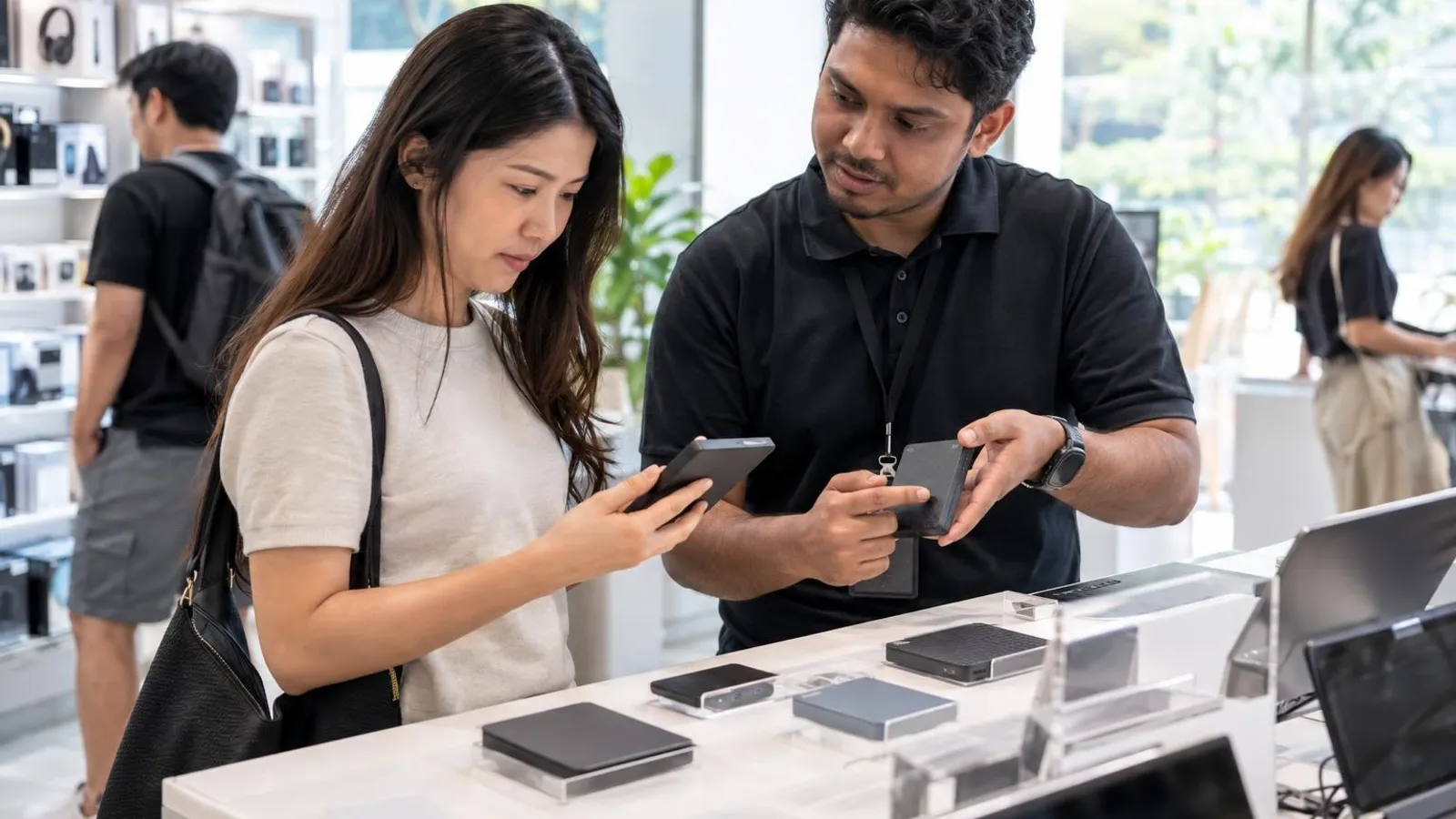 AI image by LocalRank
Storage is one of the easier upgrades to get wrong, because the same word covers a bare NVMe stick, a portable hard drive and a camera memory card. This guide lists six Singapore retailers that, according to their own websites, sell internal SSDs, external drives, memory cards or USB drives, from Sim Lim Square specialists to island-wide chains. Each write-up says what the shop itself lists and where it trades, using neighbourhood-level locations only. Check stock, compatibility and the return terms directly with the seller before you pay, and use the buying tips at the end. Prices are deliberately not quoted because they change often.
1. TechDeals
TechDeals is a Sim Lim Square computer retailer whose website names portable SSDs from Corsair, Lexar and Crucial, external hard drives from WD and Toshiba, memory cards from Kingston, SanDisk and Lexar, and USB drives. Beyond storage it also stocks networking gear, laptops, monitors and accessories, so one visit can cover a drive plus an enclosure or cable. The site lists shop hours from Monday to Saturday with Sunday closed, and publishes a WhatsApp line. It advises customers to confirm stock with the team before ordering, which is practical advice for storage models that sell through quickly. Worth a look when you want a mixed basket of drives and cards. Phone and email contacts are printed on its contact page.
Sim Lim Square (Rochor)
Visit website ↗WhatsApp ↗EmailView on map ↗
2. Bizgram
Bizgram calls itself a Singapore computer hardware store and technology supply partner, selling computer parts, gaming rigs, workstations, networking and multi-brand business supply. Its website shows a dedicated Storage category and a separate internal hard drive category inside a very large parts catalogue, so it is useful when you are comparing several makers of the same drive type. The site says it serves retail buyers, corporate IT teams and system integrators, which suggests it can handle larger orders as well as single drives. A Sim Lim Square address and daily opening hours are printed on its pages. Choose it if you are specifying drives for several PCs at once. Its contact page lists phone, email and WhatsApp.
Sim Lim Square (Rochor)
Visit website ↗WhatsApp ↗EmailView on map ↗
3. PC Themes
PC Themes presents itself as a custom PC building destination, and its storage listings reflect that. The website lists M.2 NVMe SSDs across several generations, 2.5-inch SSDs, internal hard disks in both 2.5-inch and 3.5-inch sizes, external portable drives and flash drives. Brands it names include WD, Samsung, Kioxia, ADATA, Crucial, Kingston, Seagate, Transcend and Toshiba. The shop is at Sim Lim Square and states that it is closed on Mondays and open Tuesday to Sunday, so plan your trip around that. It suits builders who need to match drive type and interface to a motherboard, since the categories are broken out clearly. Its contact page lists a phone number and opening hours for checking stock.
Sim Lim Square (Rochor)
Visit website ↗WhatsApp ↗EmailView on map ↗
4. Dynacore Technologies
Dynacore Technologies is a computer hardware retailer whose website lists PC parts, including SSDs and hard disk drives, alongside gaming laptops, desktops, monitors and peripherals. Storage and memory brands it names include Samsung, Seagate, WD, Kingston, Corsair and G.Skill. Its contact page describes a single showroom in Sim Lim Square, says it opens daily, and offers phone, email and WhatsApp channels with a stated reply within one business day. That makes it convenient if you prefer to ask about drive compatibility before travelling down. Good for shoppers pairing a new SSD with other upgrades, such as memory or a graphics card, in the same purchase. Its site says it stocks networking parts and CCTV products as well.
Sim Lim Square (Rochor)
Visit website ↗WhatsApp ↗View on map ↗
5. Challenger
Challenger is an island-wide IT retailer, and its online store has a Storage Devices section split into desktop and internal disk drives, portable disk drives, solid state drives, USB and thumb drives, and memory cards. Brands named on that section include Kingston, Seagate, Western Digital, Samsung and Crucial. Its store page lists outlets in many malls across the island, so collecting a purchase is easy from most neighbourhoods, and it publishes a customer service line and an online support form. The shop suits buyers who want a mainstream brand, a nearby counter and a familiar retailer instead of a specialist stall. Check each product page for stock and collection options. Its store page also lists mall outlets from Bugis Junction to VivoCity.
Island-wide (mall outlets and online)
Visit website ↗View on map ↗
6. Harvey Norman
Harvey Norman Singapore's website has a Hard Drives and Storage section with portable external hard drives, portable SSDs, USB flash drives and memory cards. The brands shown on that category page include Seagate, Samsung and Western Digital, and the page also mentions SanDisk among recommended makes. It offers a store finder for its physical outlets and publishes a customer service phone line and email on its contact page. Because the retailer also sells laptops, desktops and televisions, it is handy when a drive is one item in a bigger electronics purchase. Compare capacity and port type on the product pages, and confirm stock before heading to a store. Its portable drive listings span a range of capacities and colours.
How to choose
- Match the drive type to the job before you shop. An M.2 NVMe SSD only works if your motherboard or laptop has a free slot of that kind, while a 2.5-inch SATA drive or a portable disk suits older machines. Check your device's manual or spec sheet first, then ask the shop to confirm compatibility.
- Choose by use case, not just capacity. SSDs are the usual pick for boot drives and fast working files, hard disks tend to give more space for archives and backups, and memory cards need a speed class that suits your camera. Say what you will store, and let the shop recommend a suitable format.
- Look for a clear Singapore address, a working contact channel and recent site activity. A specialist stall in a tech mall can answer technical questions face to face, while chains offer many collection points. Be cautious of listings with no stated location, and confirm stock by message or phone before travelling.
- Ask about returns, exchange terms and warranty before paying, and get them in writing on the receipt or order confirmation. Warranty arrangements differ by brand and by seller, so do not assume one retailer's terms apply to another. Keep packaging and receipts for the full period the seller states.
- Be careful with memory cards and USB drives that are priced far below the rest, as counterfeit or relabelled capacity is a known risk for flash storage. Buy from a seller with a physical shop, ask for sealed retail packaging, and test the full capacity with a free tool after buying.
. No changes recorded since.
Founder and Editor
Amir Wahab is the founder and editor of LocalRank, an independent Singapore rankings and local guides publication.
Read next
8 Best Wall Art and Poster Shops in Singapore (2026)
Looking for wall art in Singapore? Eight shops selling ready-made prints, posters, paintings and framed pieces, in showrooms and online, and how to choose.
By Amir Wahab6 min read

7 Best Snack Shops in Singapore (2026)
Looking for the best snack shops in Singapore? Seven candy stores, retro biscuit shops and snack-box sellers worth a visit or an online order in 2026.
By Amir Wahab5 min read

8 Best Men's Grooming Shops in Singapore (2026)
Looking for the best men's grooming shops in Singapore? Eight retailers for pomade, shaving kit, beard care and styling products, online and in store.
By Amir Wahab6 min read
5 Best Bespoke Shoemakers in Singapore (2026)
Looking for bespoke or made-to-order shoes? Compare 5 Singapore shoemakers with studios or fitting appointments, from dress shoes to women's flats.
By Amir Wahab4 min read