5 Best Home Tech Support Services in Singapore (2026)
Five Singapore services that send a technician to your home for computer, wifi, printer and device help, plus how to choose one for family or seniors.
- Edited by
- Amir Wahab
- Published
- Reading time
- 4 min read
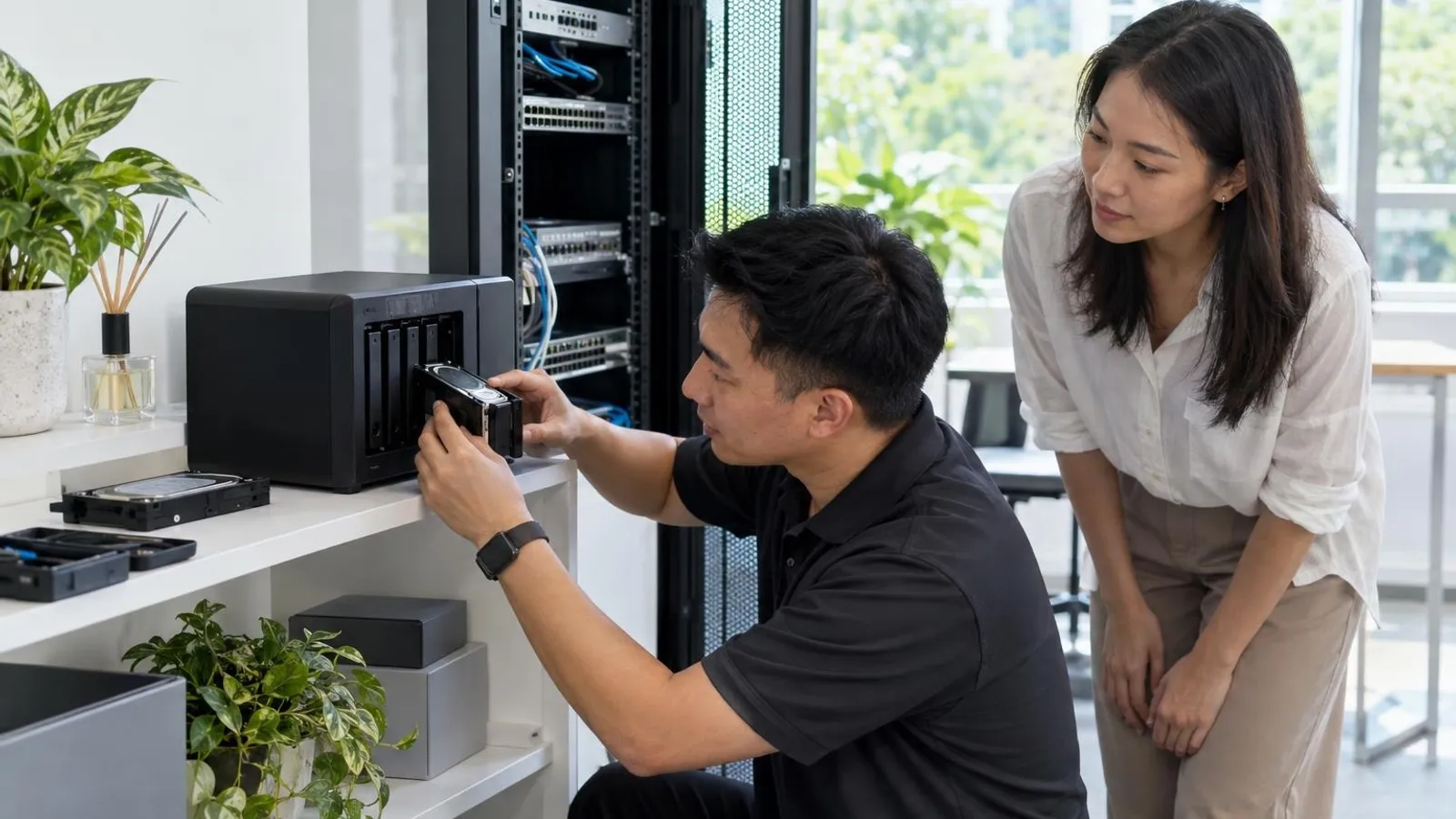
 AI image by LocalRank
When the laptop will not connect, the printer drops off the wifi or a parent cannot get past a login screen, carrying a device to a shop is often the hardest part. This list covers Singapore services whose own websites say a technician can come to a home, from general IT helpers to laptop and Mac specialists. We have left out corporate IT outsourcing and anything we could not confirm is still operating. Each write-up reflects what the provider publishes and is attributed that way, with no prices or ratings. Read the short buying guide at the end, then confirm scope, area and fees by message before booking a visit.
1. Tekkie Help
Tekkie Help describes itself as an onsite IT support business for people at home as well as small and medium-sized firms, from an office in Ubi. Its site lists a broad household menu: wifi optimisation, PC and Apple repairs and upgrades, mobile device support, email setup, new device setup, malware removal, data backup and recovery, photo organisation, parental controls and IT training. The company says it takes a personal approach and aims to leave customers able to look after their own systems, which may suit families helping older relatives. Its process starts with a phone consultation or online booking, then a home or office visit where needed. Charging is described as hourly, with a cost indication given beforehand.
Ubi (home visits across Singapore)
Visit website ↗EmailView on map ↗
2. S-Mall Pte Ltd
S-Mall says on its site that it provides home computer repair and technical support across Singapore, even after office hours, for home users and small offices alike. Its pages list virus and malware removal, wired and wireless PC network setup, printer support, wifi coverage improvement, data preservation and system configuration across brands such as HP, Acer and Lenovo. A separate residential page describes onsite setup for household computers, mobile devices, printers and other network devices, including mesh wifi optimisation, network printer configuration and IP camera installation. Its footer dates the business from 2007. It publishes a phone and WhatsApp number but no email address, so book by message or call and ask how any transport charge applies.
3. Laptop Repair Singapore
Laptop Repair Singapore, based in Sengkang, says on its site that it offers onsite laptop repair and an onsite or pick-up service to locations across Singapore, including collecting a device from your home or office. Its pages list laptop and desktop repair, screen replacement, virus and malware removal, replacement parts such as hard drives and memory, and printer repair. The site also mentions work beyond home support, including CCTV installation, NAS setup and Excel training, so it reads as a general computer shop. It says it offers loan computers during repairs and that its Sengkang centre opens daily, including public holidays. Confirm the visit area and charges before booking, since the site names several neighbourhoods as well as island-wide coverage.
Sengkang (onsite and pick-up service across Singapore)
Visit website ↗WhatsApp ↗View on map ↗
4. Zapplerepair Singapore
Zapplerepair Singapore's homepage includes an onsite section offering service at your home or office, and its two listed locations are near the Marymount and Aljunied MRT stations. The site lists coverage for Apple products including iPhones, iPads, MacBooks, iMacs and watches, plus Windows devices such as Surface models, and also gaming laptops and consoles. It describes a separate office support offer with extended hardware cover for small and medium companies, which is aimed at businesses rather than households. The homepage gives no onsite procedure, booking rules or fees and points customers to WhatsApp or phone, so ask which repairs can be done at your door and which need the workshop. That makes it a sensible first message for Apple-heavy homes.
Marymount and Aljunied
Visit website ↗View on map ↗
5. LYK Repair
LYK Repair is a device repair business whose site lists outlets in Tai Seng, Jurong, Woodlands and Bugis. Its MacBook repair page says a technician will come to you at home, at the office or wherever is convenient, as an islandwide doorstep service with a flat call-out fee. The wider site lists repairs for iPhones, Samsung and other Android phones, iPads, MacBooks, Apple Watches and Microsoft Surface devices, so one visit or shop trip could cover several family gadgets. Bookings are directed to WhatsApp or the store. The doorstep wording appears on the MacBook page, so confirm with the shop whether it also applies to your phone or tablet, and ask what warranty terms apply to the repair you need.
Tai Seng, Jurong, Woodlands and Bugis outlets (doorstep service islandwide)
Visit website ↗WhatsApp ↗EmailView on map ↗
How to choose
- Match the provider to the device before the problem. Tekkie Help and S-Mall describe general household help, while LYK Repair and Zapplerepair lean towards Apple and phone hardware. Sending a Mac to a desktop specialist wastes a visit, so state the make and fault first.
- Ask whether the visit is for diagnosis, repair or teaching, because they are different jobs. A technician who fixes a wifi fault may not sit with an older relative to explain it afterwards. If patience matters, say so when booking, and ask whether an hourly rate or a fixed callout applies to the time you need.
- Confirm the home-visit scope in writing by WhatsApp or email before anyone travels. Several sites mention onsite service on one page and workshop repair on another, so check that your exact device, your area and your preferred time are covered, and ask what happens if the job cannot be finished at the door.
- Protect your data and accounts. Back up photos and documents where you can, and be present for any session that needs passwords, banking apps or remote access. Ask what a provider does with data on a device taken away. Never read out one-time codes or hand over bank logins to anyone, however helpful they seem.
- Check what happens if the fix does not hold. Providers such as Tekkie Help publish their own terms for return visits, while others say little on the page. Ask for the scope of any warranty on parts and labour in writing, and keep the message thread as your record of what was agreed.
. No changes recorded since.
Founder and Editor
Amir Wahab is the founder and editor of LocalRank, an independent Singapore rankings and local guides publication.
Read next

8 Best Loyalty Programme Platforms in Singapore (2026)
Compare loyalty programme platforms in Singapore for retailers and F&B: digital stamps, points, vouchers and tiers, with what each provider says it offers.
By Amir Wahab6 min read

8 Best WordPress Developers in Singapore (2026)
Compare 8 Singapore WordPress developers and studios that build, migrate and maintain WordPress and WooCommerce sites for local SMEs in 2026.
By Amir Wahab6 min read

8 Best Chatbot and AI Assistant Developers in Singapore (2026)
Compare 8 chatbot and AI assistant developers in Singapore that build customer-service bots, WhatsApp assistants and custom AI agents for local businesses.
By Amir Wahab6 min read
8 Best NAS and Network Storage Suppliers in Singapore (2026)
Compare 8 NAS and network storage suppliers in Singapore, from Sim Lim Square dealers to Synology resellers and IT firms that size and set up NAS for SMEs.
By Amir Wahab6 min read