7 Best Computer Monitor Shops in Singapore (2026)
Looking for the best computer monitor shops in Singapore? Seven retailers selling office, gaming and creative displays, from mall chains to Sim Lim Square.
- Edited by
- Amir Wahab
- Published
- Reading time
- 6 min read
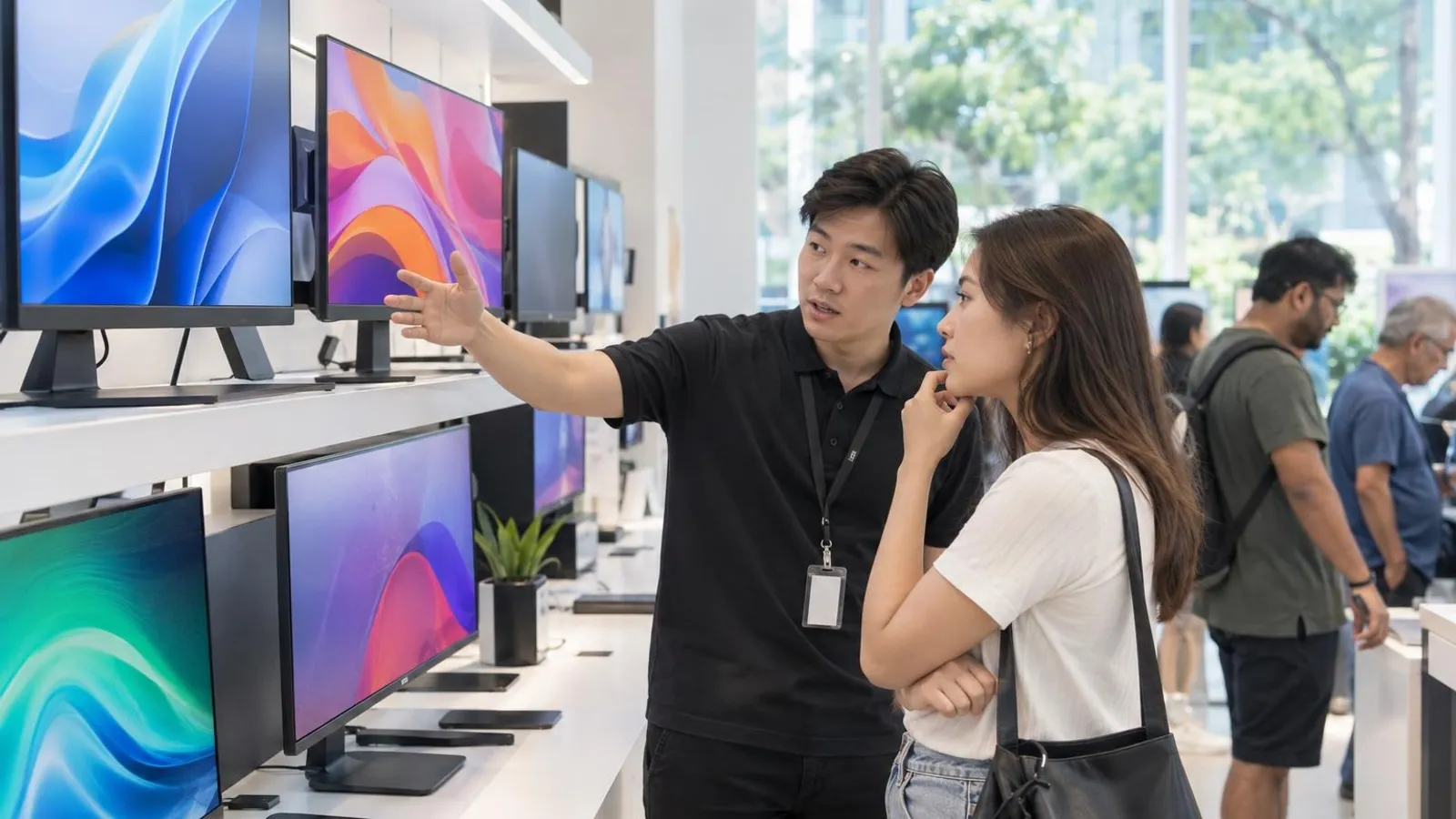 AI image by LocalRank
A monitor is the part of a desk setup you look at all day, yet buyers often pick one from a spec sheet alone. This guide covers seven Singapore retailers whose own sites list monitors, from islandwide electronics chains to specialist computer shops in Sim Lim Square. Each entry describes what the retailer says it stocks, which brands its pages name and where you can see or collect a screen. Stock, brands and ranges change often, so treat the write-ups as a starting point, then confirm availability, warranty terms and delivery directly with the shop before you pay for any display.
1. Challenger
Challenger is a Singapore consumer-tech chain, and its online store carries a dedicated Monitors collection split into Gaming Monitors and Home Monitors. Its brand directory names makers such as AOC, ASUS, MSI, Acer, Samsung and Philips, so it works as a convenient first stop when you want to compare several brands in a single catalogue before choosing. The store page says Challenger runs more than 35 outlets islandwide and names Bugis Junction as its flagship, which means you can look at a display in person rather than relying only on photos. The site also points to an extended warranty and trade-in support portal. Check each listing for panel type, refresh rate and port layout, because specifications differ widely between models.
Islandwide (Bugis Junction flagship)
Visit website ↗View on map ↗
2. Harvey Norman
Harvey Norman lists monitors under its computing section, with separate pages for standard monitors, portable monitors and a gaming monitors page inside its gaming hub. The pages we read show brands including Philips, with its Evnia gaming line featured, plus AOC and ASUS. This makes the retailer a useful option for shoppers who want a mainstream brand in a familiar big-box setting, whether for a home office desk or a gaming corner. The site offers a store finder and a find-in-store option for checking availability at a branch, and it mentions product care services after purchase. Confirm delivery arrangements and stock with the retailer, since monitor ranges rotate frequently and larger screens are bulky to move.
3. Best Denki
Best Denki is a Singapore electronics retailer whose IT section includes a Monitors category. Its filters name LG, Samsung, MSI, Acer, Lenovo, ASUS, Philips and Razer, and the sub-filters cover gaming, curved, portable, OLED, smart and 4K displays, so the range runs from compact travel screens to ultrawide curved panels as it lists them. The site says it offers same-day delivery on selected items and lists collection, delivery, installation and disposal services, which can matter if you are replacing an older screen. It also publishes a store locator and a contact page that mentions WhatsApp and Messenger support. Compare the exact model number against the specification you need before ordering, and ask about stock if you want to collect the same day.
4. Courts
Courts is a Singapore home and electronics retailer, and its website lists Monitors within its laptops and printers section, including a portable monitors range where ASUS is named. It suits buyers who are already shopping for a laptop, printer or other home-office items and would rather settle everything with one retailer. The site publishes a store locator and a contact page, and the retailer lists a toll-free line for enquiries and service questions. Because the monitor range we could read was limited in detail, check the category directly for current sizes, brands and connectivity. Ask the retailer about installation, warranty and delivery terms for the exact model, especially if you plan to mount the display on an arm.
5. Dynacore Technologies
Dynacore Technologies is a computer retailer whose Sim Lim Square showroom the site describes as open daily, and its web store has a dedicated Monitor collection. The collection names ASUS, AOC, Philips, Dell, MSI, Samsung, AOpen and LG, and covers gaming panels in OLED, QD-OLED, IPS and VA, ProArt creator monitors, business displays and portable screens. Sizes shown run from about 16 inches up to 49 inches, which gives creative and gaming buyers a wide field to browse. The site says it delivers islandwide within one to two working days and publishes both a webstore email and sales numbers on its contact page. Check that the model you want is in stock before visiting the mall, and compare panel specifications carefully.
Sim Lim Square
Visit website ↗WhatsApp ↗View on map ↗
6. TechDeals
TechDeals is a Singapore company with a Sim Lim Square shop, and its website carries a Monitor collection aimed at everyday office and gaming use. The listings name Dell, Philips, LG, MSI, HP, Lenovo and ViewSonic, with IPS and VA panels, refresh rates from 100Hz up to 180Hz and common sizes such as 23.8, 24.5 and 27 inches. That mix suits shoppers who want a straightforward Full HD screen with HDMI or DisplayPort rather than a premium creator display. The site publishes an email, phone line and WhatsApp number, and it asks customers to chat first to confirm stock before ordering. Opening days differ from some neighbouring shops, so check the hours on its contact page before making a trip.
Sim Lim Square
Visit website ↗WhatsApp ↗EmailView on map ↗
7. PC Themes
PC Themes describes itself as a destination for custom PC building, and its web store also lists monitors grouped by size, with a 15.6 to 24 inch range and a 27 to 34 inch range. Brands shown on its pages include AOC, AOpen, LG and Philips. That makes it a handy pick when you are building a desktop and want the display from the same shop, or when you need a compact monitor for a secondary screen. The contact page lists a Sim Lim Square address with a phone line, and says the shop is closed on Mondays and open the rest of the week. Because its selection is organised by size rather than use case, confirm panel type and resolution before buying.
Sim Lim Square
Visit website ↗WhatsApp ↗EmailView on map ↗
How to choose
- Start with the work the screen has to do. Office and spreadsheet users usually care most about size, resolution and eye comfort, gamers look at refresh rate and response time, and creators need colour coverage and calibration support. Retailers in this list sort their ranges differently, so match the use case to the model specification rather than the category label.
- Compare panel types and ports before brand. IPS, VA and OLED panels trade off contrast, viewing angles, brightness and burn-in risk, while HDMI, DisplayPort and USB-C inputs decide whether the monitor works with your laptop or graphics card. Read the retailer's product page for the exact model, and ask staff if a figure is unclear or missing.
- Decide between a big chain and a Sim Lim Square specialist. Chains such as those listed offer wide brand ranges, store locators and service options, while specialist computer shops can talk through builds and compatibility. Visiting in person lets you check stand adjustability, glare and dead pixels, which photos cannot show you.
- Confirm stock, delivery and installation before you commit. Monitors are large and fragile, and several shops here ask you to check availability first. Ask who handles delivery, whether installation or old-unit disposal is offered, and how returns work for a screen delivered with a defect or with visible dead pixels.
- Ask about warranty in writing and keep your receipt. Warranty terms differ between brands and sellers, and some panel faults depend on a manufacturer's own policy. Check who handles a claim, whether it is carry-in or on-site, and what the retailer's pages say, instead of assuming an extended plan covers every issue.
. No changes recorded since.
Founder and Editor
Amir Wahab is the founder and editor of LocalRank, an independent Singapore rankings and local guides publication.
Read next

8 Best Wall Art and Poster Shops in Singapore (2026)
Looking for wall art in Singapore? Eight shops selling ready-made prints, posters, paintings and framed pieces, in showrooms and online, and how to choose.
By Amir Wahab6 min read

7 Best Snack Shops in Singapore (2026)
Looking for the best snack shops in Singapore? Seven candy stores, retro biscuit shops and snack-box sellers worth a visit or an online order in 2026.
By Amir Wahab5 min read

8 Best Men's Grooming Shops in Singapore (2026)
Looking for the best men's grooming shops in Singapore? Eight retailers for pomade, shaving kit, beard care and styling products, online and in store.
By Amir Wahab6 min read

5 Best Bespoke Shoemakers in Singapore (2026)
Looking for bespoke or made-to-order shoes? Compare 5 Singapore shoemakers with studios or fitting appointments, from dress shoes to women's flats.
By Amir Wahab4 min read